Prepare complex parts with less manual work.
Flexam Slicer turns 3D models into toolpaths for robotic, multi-axis and non-planar additive manufacturing.
Tell us about your part, process and machine. Our team will review your request.
Less manual preparation, from model to toolpath.
Geometry analysis
Analyze curvature, overhangs and features in your 3D model.
Planar slicing
Use flat layers where they fit the part.
Non-planar toolpaths
Plan toolpaths along curved surfaces.
Multi-axis toolpaths
Prepare motion for 5- and 6-axis systems.
Regions and strategies
Apply different print strategies to individual regions.
Result inspection
Inspect the generated toolpath before export.
Four steps from part to toolpath.
-
1
Import the part
Load a 3D model to work from.
-
2
Analyze and segment the geometry
Decompose the part into regions for preparation.
-
3
Apply the required slicing strategies
Choose planar, non-planar and multi-axis strategies per region.
-
4
Generate and review the toolpath
Produce the toolpath and review it before export.
Slicer use cases
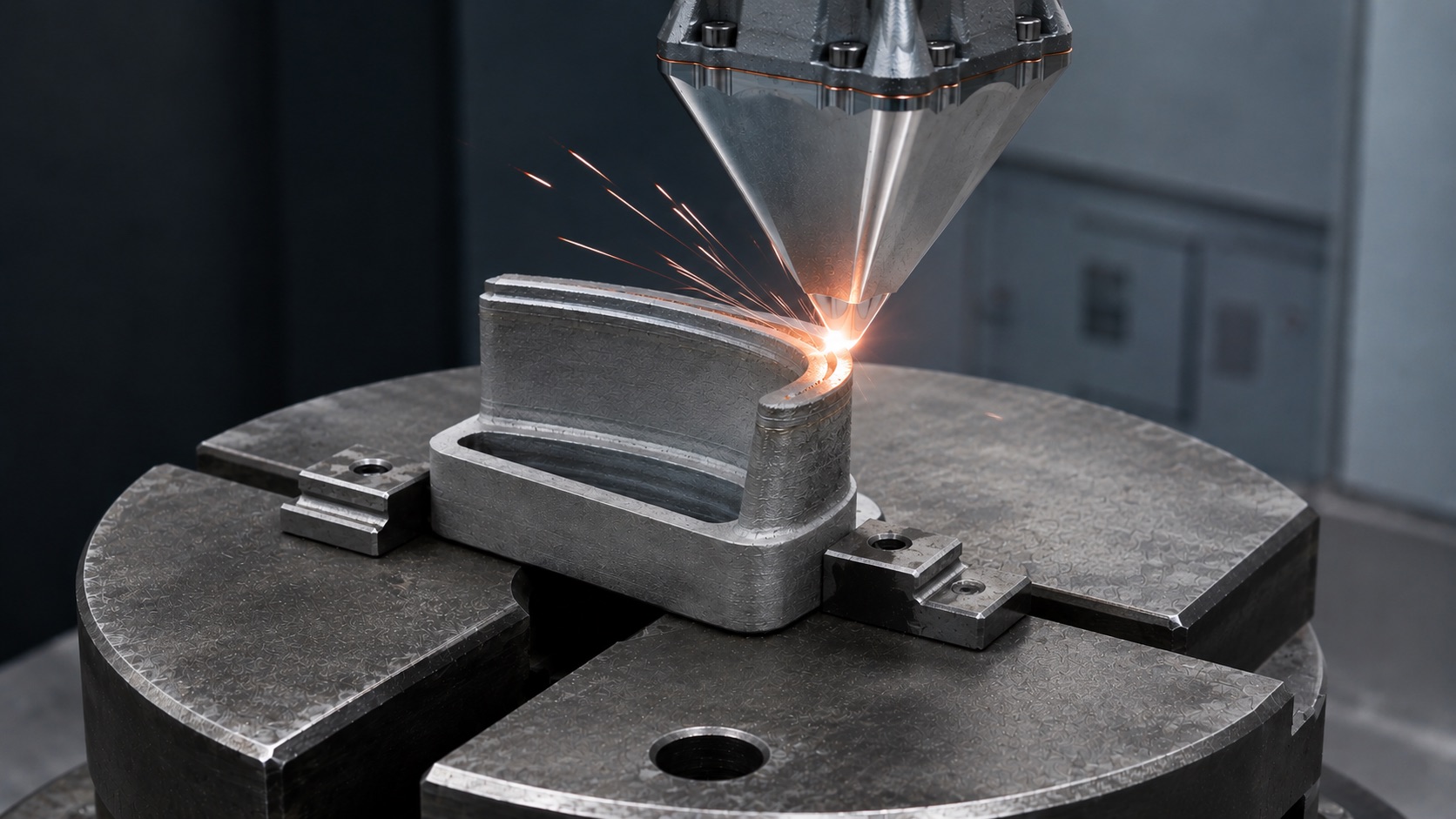
DED cladding for component repair
Surface-following deposition paths for worn components and a defined robot cell.
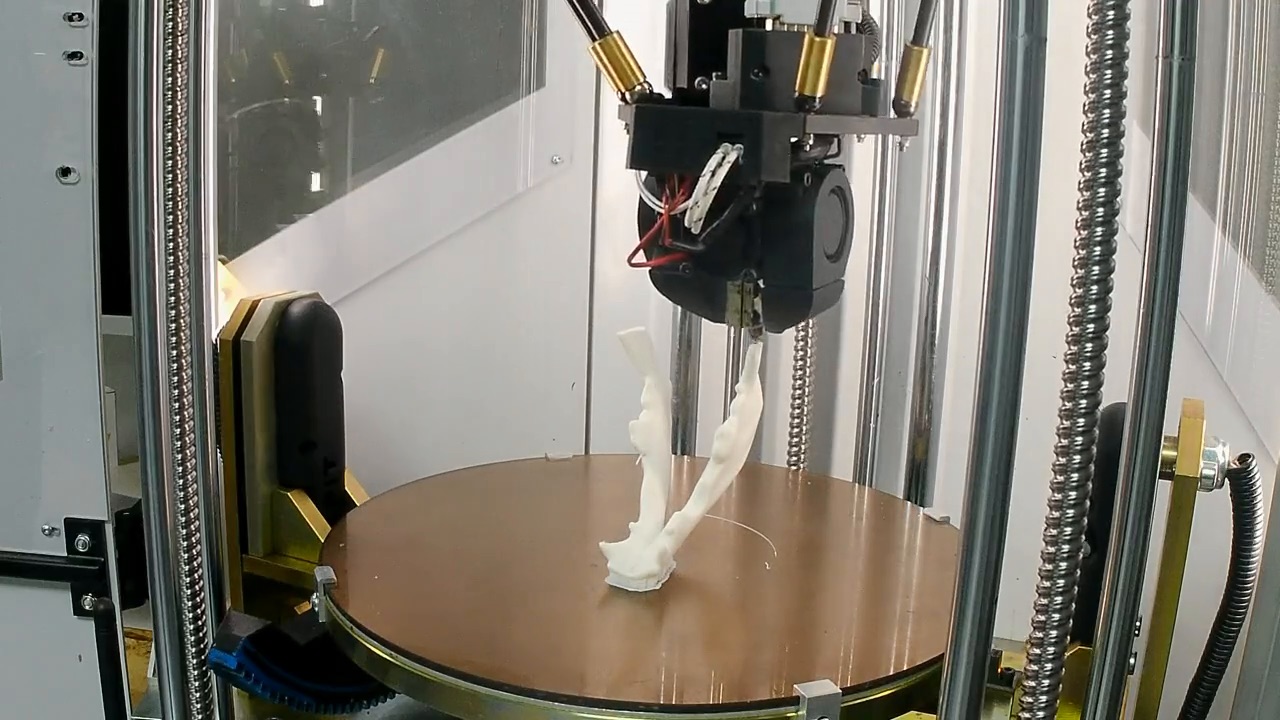
Patient-specific devices
Non-planar path preparation for anatomical shapes, including orthoses and prosthetic sockets.
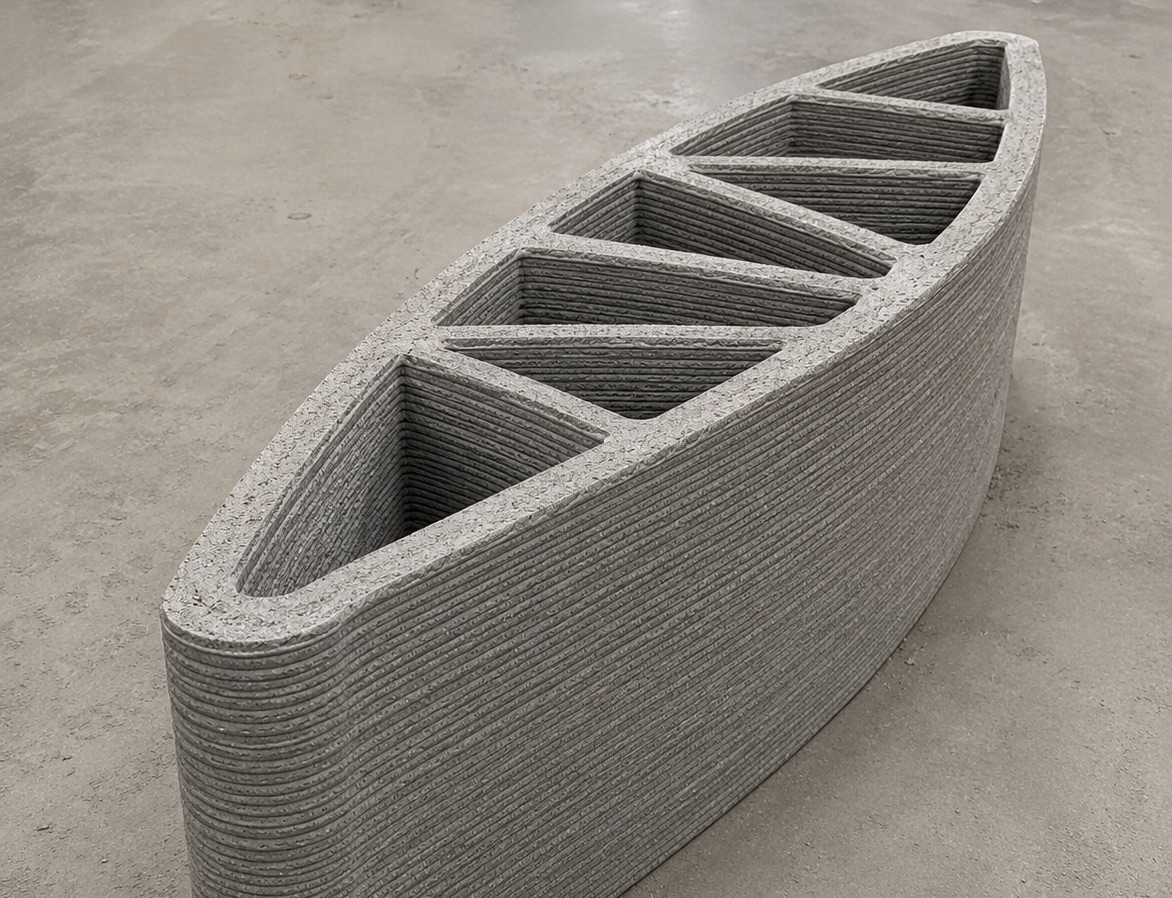
Concrete 3D printing
Path planning around wall geometry, layer timing and machine limits.
Got a part your slicer can't handle?
Tell us about your part, process and machine. We will discuss how Flexam Slicer fits your workflow.